Elden Ring God-Devouring Serpent Glitch: How to Fix the Invulnerable Boss
Elden Ring's God-Devouring Serpent glitch leaves the boss at zero HP but unkillable. Corrupted files cause it—verify game files to fix.
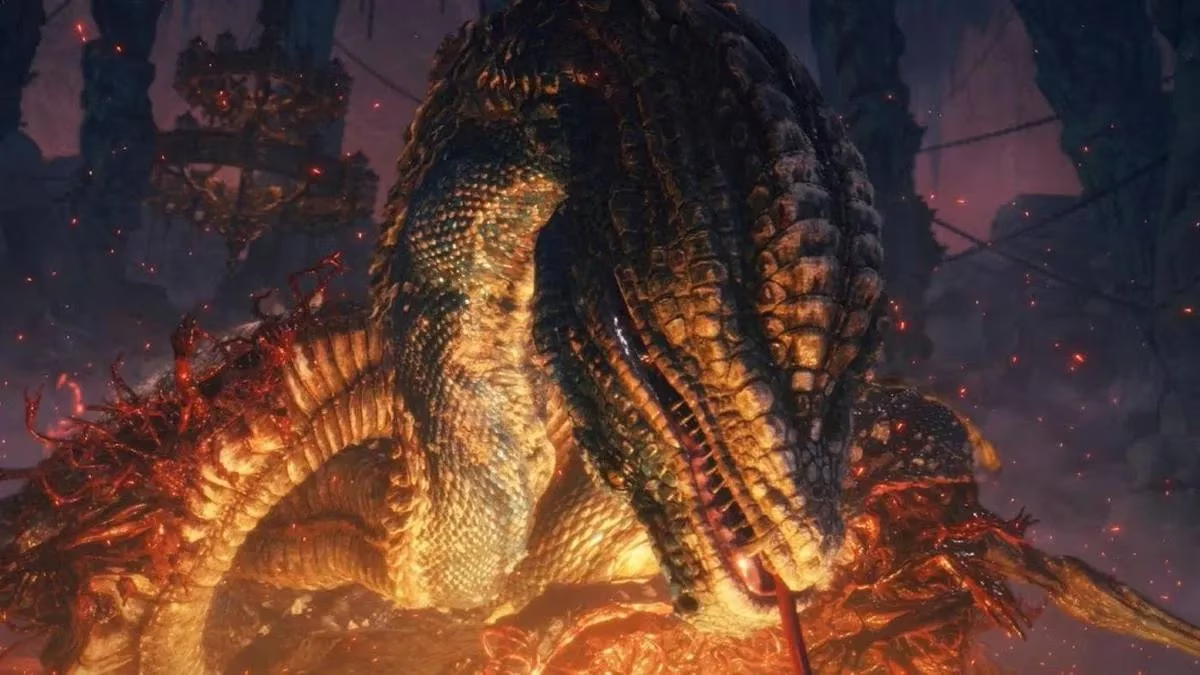
In the shadowed halls beneath Volcano Manor, a Tarnished warrior faced the God-Devouring Serpent with a sword still slick from earlier battles. The creature surged from the molten rock, and after a grueling exchange, its health bar drained to nothing. Yet the serpent refused to fall. The Tarnished dodged another sweeping bite, checked the empty bar again, and realized something far stranger than difficulty was at work.
The God-Devouring Serpent glitch is one of those rare Elden Ring moments that makes a player question whether they misread the fight. Unlike most defeats, this one arrives after the boss reaches zero HP. The game simply fails to trigger the death state, leaving the enormous snake alive and unkillable. For a while, players might assume they need a special weapon or a hidden mechanic. But the truth is often less magical: corrupted game files.
Why would a boss script fail so dramatically? Elden Ring's massive open world depends on thousands of files and event triggers. When even a few of those files become corrupted, the game can behave unpredictably. A cutscene might crash instead of playing, an item might not appear, or a boss like the God-Devouring Serpent might hit zero HP and keep moving. What should have been a moment of triumph becomes a loop of confusion.
Before panic sets in, players should know that the fix is usually simple. The problem is not a sign that the game is broken forever, nor does it require waiting for a massive patch. In many cases, it comes down to verifying or restarting the game files.
Why the Serpent Might Refuse to Die
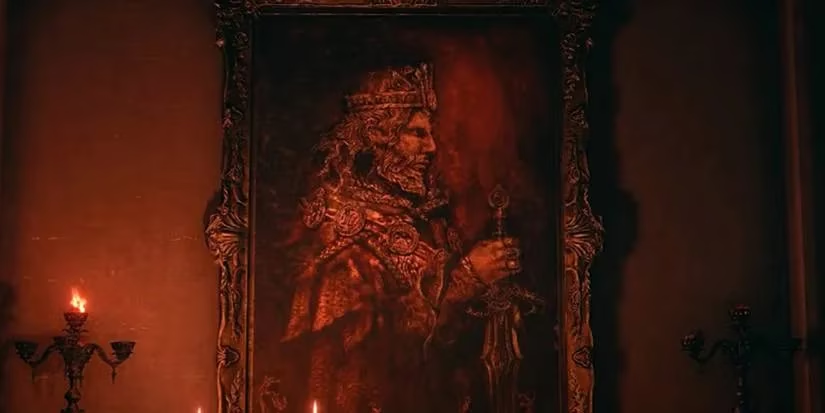
The God-Devouring Serpent fight has a particular structure that can make it vulnerable to this kind of issue. Once the serpent phase ends, the game normally shifts into the confrontation with Rykard, Lord of Blasphemy. But if a corrupted file interferes with that transition, the game can get stuck at the threshold. The HP bar drops, the victory flag does not fire, and the serpent keeps attacking.
Players who have seen similar behavior elsewhere in Elden Ring should not be surprised. Corrupted files can cause different failures depending on where the game is trying to read data. Sometimes the consequences are minor; sometimes they stop progress entirely. The good news is that the developers have released several patches, and platform-level tools give players a quick way to repair local files.
Fixing the Glitch on Steam
For PC players on Steam, the first move is to verify the integrity of the game files. A Tarnished only needs to open the Steam client and either click the gear icon on the Elden Ring page or right-click the game in the library list. From there, choose Properties and then Local Files. One of the options is Verify integrity of game files.
After validation, Steam compares the installed files against the expected versions. If any are corrupted or missing, the client repairs them automatically. Once the process finishes, players can load the game and return to the serpent. In many cases, the boss finally collapses after its health bar empties.
Fixing the Glitch on PlayStation
On PlayStation 4 or PlayStation 5, the solution is even simpler: restart the console. Press the PS button on the controller, navigate to the power icon, and select Restart PS4 or Restart PS5. This is not a factory reset, so no save data or installed games will be lost. When the console powers back on and Elden Ring launches again, the temporary corruption that caused the boss to ignore its death trigger may be cleared.
Fixing the Glitch on Xbox
Xbox players can follow a similar path. Press the Xbox button on the controller, go to Profile & system, select Power, and then choose Restart console. Starting Elden Ring after the restart gives the game a clean environment to load its files. Should the serpent still refuse to die, players may want to check for system updates or verify that the game is installed on the console's internal storage rather than an external drive, though the restart itself often does the job.
| Platform | Quick Fix |
|---|---|
| Steam | Verify integrity of game files via Properties > Local Files |
| PlayStation 4/5 | Restart console via PS button > power icon > Restart |
| Xbox One/Series | Restart console via Xbox button > Profile & system > Power > Restart |
What makes this glitch so memorable is how it turns a hard-won fight into an unintended puzzle. A player who has learned every serpent attack, timed every dodge, and drained the boss's HP deserves to see Rykard's next phase. Instead, the game leaves them staring at an empty bar and a very alive snake. Still, the solution rarely requires advanced technical knowledge.
In many cases, the remedy is no more complicated than a file verification or a fresh restart. Those steps might feel too simple for such a dramatic glitch, but they address the corrupted files directly. Could the same issue appear elsewhere in the Lands Between? It can, but the same habits help. Verifying files on Steam, restarting a PlayStation, or restarting an Xbox can clear many temporary problems before they become run-ending frustrations.
For those facing the God-Devouring Serpent in 2026, the creature remains a test of patience, but it should not be a test of whether the game will acknowledge victory. When the health bar reaches zero, the serpent is supposed to fall. If it does not, the culprit is likely not a missing mechanic or a secret phase. It is corrupted data. Fix that, and the Tarnished can finally claim the win the game has owed them.