Elden Ring Sprint Controls and Movement Guide
Mastering sprinting in Elden Ring is crucial for survival and exploration, as it is tied to stamina management and equip load mechanics. This guide reveals the essential controls and stamina behavior to optimize your movement across the Lands Between.
Figuring out how to sprint in Elden Ring is one of those early things the game oddly leaves you to feel out on your own. It teaches you how to swing, block, and roll well enough, but sprinting? A lot of Tarnished end up jogging around the Lands Between way longer than they should. And honestly, that matters more than it sounds, because sprinting is tied to survival, repositioning, boss pressure, and simply getting around the map without wasting time. This guide gives you the fast answer first, then breaks down the full 2026 control setup, stamina behavior, equip load impact, and the most common reasons sprint can feel off.

How to Sprint in Elden Ring
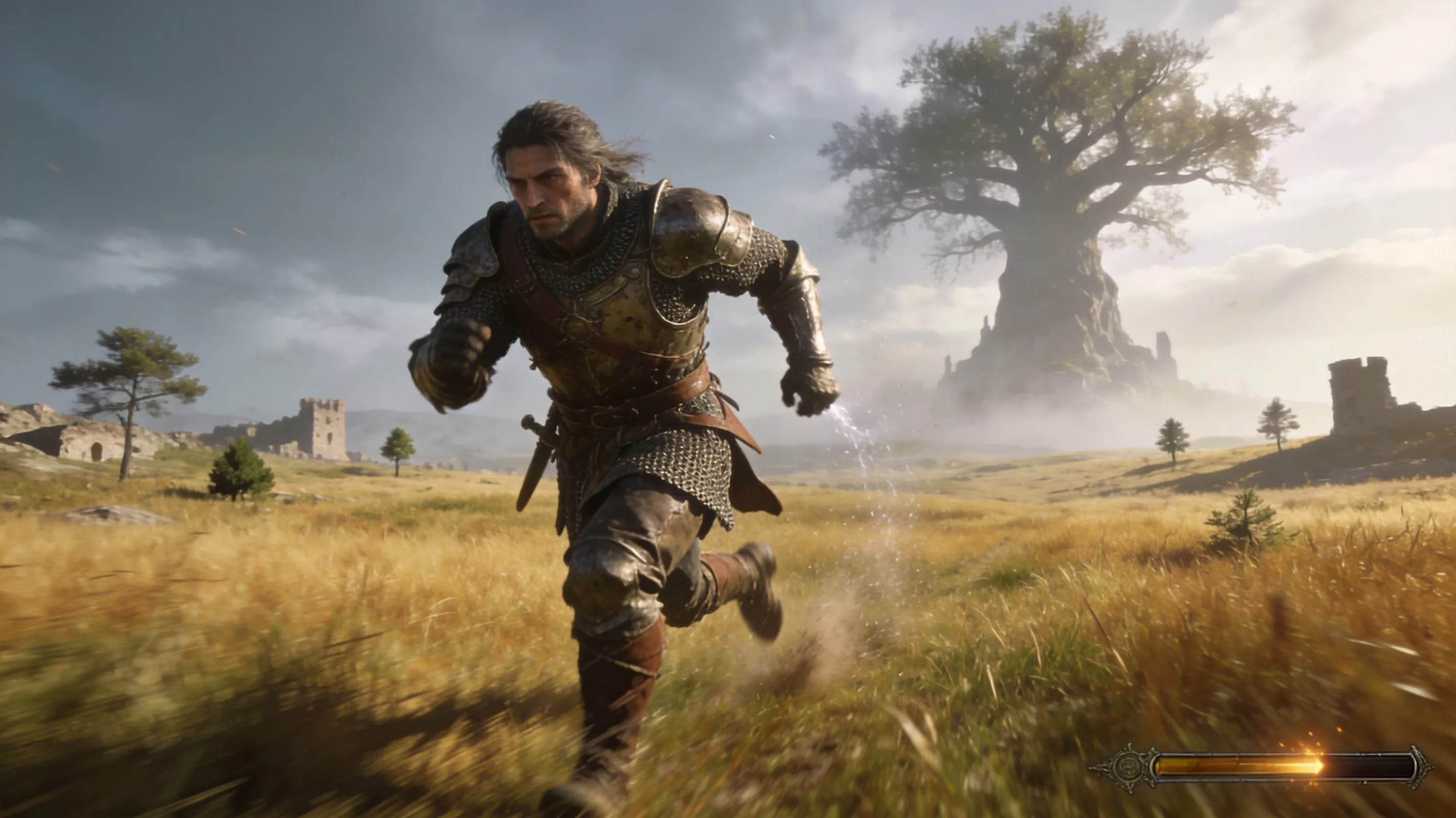
The short version is simple: hold the dodge button instead of tapping it. A tap gives you a roll. A hold turns that same input into a sprint. Rolling spends stamina in one chunk, while sprinting drains it continuously for as long as you keep the button held and keep moving.
On foot, sprinting does not kick in instantly. Your character eases into a jog first, then reaches full sprint speed after roughly half a second. If you let go too early, that acceleration gets cut off and you have to start the ramp-up again, which is why movement can sometimes feel weirdly inconsistent. If you want real distance, hold the input for at least a full second instead of feathering it.
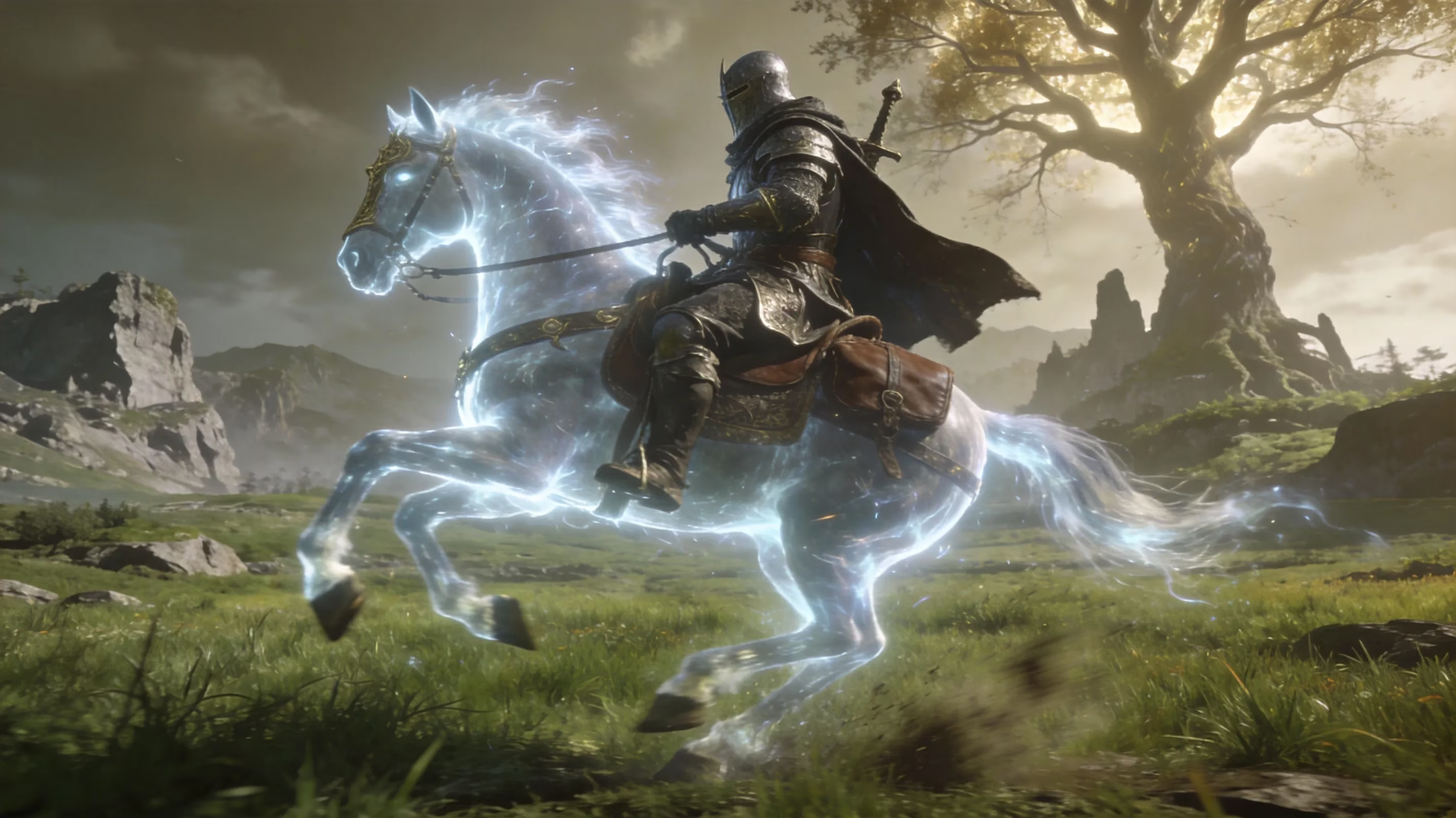
The same basic rule applies on Torrent. While mounted, hold the dodge button and Torrent pushes into a gallop, which is dramatically faster than sprinting on foot. For big areas like Limgrave, Altus Plateau, or the Consecrated Snowfield, this is pretty much the intended way to travel. Torrent also uses his own movement resource rather than your character’s normal stamina bar, so for long stretches of exploration, mounting up is almost always the better call.
The key difference between sprinting and rolling really comes down to press length. A quick press gives you a dodge roll and its invincibility frames. A held press gives you sprint. In boss fights, especially when things get messy, players often panic-tap when they meant to hold, or hold when they meant to tap. That tiny timing mistake gets people killed all the time, so building clean muscle memory here is way more important than it first appears.
Elden Ring Sprint Controls by Platform
Sprint and dodge share the same input on every platform, but the actual button changes depending on what you play on. Here are the default controls.
| Platform | Sprint / Dodge Button | Keyboard Default |
|---|---|---|
| PlayStation (PS4 / PS5) | Circle (○) — hold to sprint, tap to dodge | N/A |
| Xbox (One / Series X|S) | B — hold to sprint, tap to dodge | N/A |
| PC (Controller) | Matches Xbox layout when using Xbox-compatible pad | N/A |
| PC (Keyboard & Mouse) | Left Shift (default) — hold to sprint, tap to dodge | Rebindable in Settings > Key Bindings |
On PlayStation, you sprint by holding Circle. On Xbox, it is B. Once you have a few hours in the game, both feel pretty natural, but if you are coming from another action RPG, there is a good chance your first instinct will be to tap and accidentally roll instead.
On PC, the default keyboard input is Left Shift, held together with a movement key like W, A, S, or D. One thing worth knowing: cheaper keyboards sometimes struggle with multiple simultaneous inputs, especially diagonal movement like Shift + W + D. If that sounds familiar, rebinding sprint to something cleaner like Caps Lock or a mouse side button usually fixes it. Just do not rely on third-party macro tools for online play, since those can create anti-cheat issues or mess with matchmaking.
Elden Ring Sprint Mechanics and Stamina
Sprinting drains stamina the whole time it is active, and the drain is not perfectly uniform. It gets a little worse on uneven ground, and it feels noticeably harsher if your character is carrying too much weight. Stamina regeneration only starts once you fully release the sprint input, not while your character is slowing down. So if you keep stutter-tapping sprint, you burn stamina without really getting much movement out of it.
The biggest factor in how sprinting feels is equipment load. Elden Ring has three practical load ranges, and they affect your roll, acceleration, and stamina efficiency:
-
Below 30% load (Light Load): Fast roll, best sprint acceleration, lowest stamina drain.
-
30%–70% load (Medium Load): Standard roll, decent sprint speed, solid stamina use for most builds.
-
Above 70% load (Heavy Load / Fat Roll): Slow roll, weaker sprint acceleration, higher stamina drain. Movement starts feeling heavy and punishing here.
Lock-on changes sprinting too, and it is more noticeable than some players expect. When you are locked onto an enemy, your character tends to strafe around that target instead of running freely in the camera’s forward direction. That lowers your effective sprint speed and makes repositioning take longer. If you need to cross a boss arena quickly, dropping lock-on before you run is usually the smarter play.
One talisman that helps a lot here is the Green Turtle Talisman, found in Summonwater Village in eastern Limgrave. It boosts stamina regeneration enough that your bar comes back much faster between bursts of movement, which is clutch for exploration and for fights where you are constantly sprinting in and out.
How to Sprint Better in Elden Ring Combat
Boss gap-closing movement
A lot of Elden Ring bosses, especially in the late game and the Shadow of the Erdtree content, create huge gaps with jumps, flight, retreats, or phase changes. Sprinting is absolutely the right answer when you need to close that distance, but you cannot just mash forward and hope for the best. If you sprint straight into an active attack, you are just feeding the boss a free hit.
The better pattern is to wait for the recovery frames after a combo ends, then sprint in during that opening. Once you are back in striking range, release sprint before attacking so your stamina can start recovering and your dodge input stays clean. That little reset matters a lot.
You also want to keep some stamina in reserve for the moment you arrive. Burning your whole bar just to reach the boss, then having nothing left to dodge the next swing, is one of the most common avoidable mistakes in these fights.
Exploration and field traversal
For moving around the open world, Torrent is almost always better than sprinting on foot. You summon him with the Spectral Steed Whistle in most outdoor zones, and his gallop speed is way beyond what your Tarnished can manage alone. On top of that, Torrent’s double-jump lets you cut across terrain and vertical spaces that would otherwise force long detours.
On foot, there is also jump-sprinting, which means hitting jump while carrying sprint momentum. This gives you extra horizontal distance and is great for ledges, hazard gaps, and reaching platforms that a standing jump will not quite cover. The timing is a little particular, but pressing jump around the middle of a sprinting stride usually gives the best result.
Heavy builds and fat roll
Strength builds with giant weapons and heavy armor run into sprint issues all the time because they drift over the 70% equipment load threshold. Once that happens, you get the heavy load penalty and the classic fat roll, and your movement immediately feels worse. The easiest fix is to aim for the medium load sweet spot, somewhere between 30% and 70%, by swapping out one or two heavier armor pieces instead of gutting your whole setup.
The Erdtree's Favor talisman is especially valuable for these builds because it raises max equip load, stamina, and HP at the same time. Its upgraded versions, Erdtree's Favor +1 and +2, are even better and can give you enough room to keep a big weapon while staying in medium load. Leveling Endurance helps too, since it directly increases both your stamina pool and your max equip load. If mobility is the problem, Endurance is usually the stat you should be looking at first.
Elden Ring Sprint Problems and Fixes
Sprint not working
Most of the time, sprint is not actually broken — the input is just too short. If you do not hold the dodge button long enough, usually around 0.3 to 0.4 seconds, the game reads it as a tap and gives you a roll instead. If this keeps happening, the fix is usually as simple as deliberately holding the button a fraction longer until the sprint animation clearly starts.
On PC, bad keybinds can also be the issue. Go to System > Key Bindings and make sure sprint is assigned correctly. If you use accessibility overlays or custom Steam Input profiles, check that nothing is hijacking the input. Windows features like Sticky Keys or Filter Keys can interfere with held-button behavior too, so it is worth turning those off before troubleshooting anything more complicated.
Sprint feels slow
If sprint feels sluggish, the cause is usually one of two things: too much equip weight or not enough stamina. The first thing to check is your Equipment Load percentage in the inventory menu. If it is above 70%, you are in heavy load territory, and that alone will make sprinting feel bad. In most cases, removing your heaviest armor piece — often the chest piece — is the fastest way to fix it.
The other issue is low stamina. If your bar is nearly empty from fighting, your character will not accelerate properly, which makes sprinting feel slower than it really is. Sometimes the answer is simply to stop for a second, let stamina refill, and then move.
PC and controller setup
On PC, Steam Input conflicts are a pretty common source of weird sprint behavior. If your controller inputs feel inconsistent or delayed, try disabling Steam Input specifically for Elden Ring. You can do that by right-clicking the game in your Steam library, going to Properties > Controller, and setting the override to Disabled. In a lot of cases, letting the game read the controller directly solves the problem.
Controller stick drift can also interfere with sprinting. Because sprint depends on movement input staying active, a drifting stick can cause the state to trigger oddly or drop out when it should not. Recalibrating the controller through your platform settings, or adjusting the deadzone in Steam Input’s advanced options, is usually enough to sort it out. On keyboard, limited key rollover can create similar problems, especially during diagonal movement.
Elden Ring Sprint FAQ
Can you sprint while locked on to an enemy?
Yes, but your movement is restricted around the target. You will strafe and circle rather than run freely in the direction you want. For crossing large arenas or escaping dangerous ground, unlocking first is much more efficient.
How does sprinting work on horse?
Torrent uses his own movement system. Holding the dodge button while riding makes him gallop, and his movement resource is separate from your standard stamina bar. It recharges automatically after a short time. The Carian Filigreed Crest does not affect Torrent, since it only reduces FP costs for skills, but stamina-focused tools like the Green Turtle Talisman still help your overall mounted flow indirectly.
Can sprint be remapped?
Yes. On PC, you can reassign sprint and dodge in the in-game Key Bindings menu under System settings. On console, remapping is handled through platform-level accessibility tools. PlayStation’s Accessibility menu and Xbox’s Xbox Accessories app both let you move the sprint input to something more comfortable.
What are the best settings for comfort?
Turning on Always Run in the settings makes your character run by default while moving, which cuts down on how often you need to hold sprint during normal traversal. It does not change stamina drain; it only changes the default movement state. If you deal with hand strain or just want a smoother setup, pairing Always Run with a more comfortable sprint bind is usually the best option.
Conclusion
Learning how to sprint in Elden Ring is not just about pressing the right button. It is about understanding how stamina, equip load, lock-on, and input timing all work together. The basic rule stays simple: hold the dodge button to sprint, tap it to roll. Once you build around that properly — staying in a good load range, managing stamina, dropping lock-on when you need free movement, and fixing any input issues on PC or controller — sprinting stops feeling like a basic movement option and starts feeling like a real tactical advantage. Good luck, Tarnished.