Elden Ring Unalloyed Mod Functionality Check Guide
Elden Ring Unalloyed and Reforged mods offer powerful features—follow this guide to confirm proper installation for a seamless experience.
Figuring out whether Elden Ring Unalloyed is actually working can save you a ridiculous amount of time. This is one of those mod setups that looks simple once it's running, but the install chain is picky: Unalloyed layers Clever's custom weapon movesets and extra content on top of Elden Ring Reforged, so one wrong version or launch method is enough to dump you straight back into vanilla without making it obvious. In 2026, with Reforged sitting at 1.2.7 and newer builds floating around, the first thing you should do is confirm the mod stack loaded at all.
How to Tell if Elden Ring Unalloyed Is Working
The fastest clues show up before you even start playing. If everything loaded properly, the main menu may show a modded version string or some kind of build identifier added through Mod Engine 2. The character creation screen is an even better tell, because Reforged changes progression enough that you should see classes, starting loadouts, or stat spreads that simply are not part of base Elden Ring.
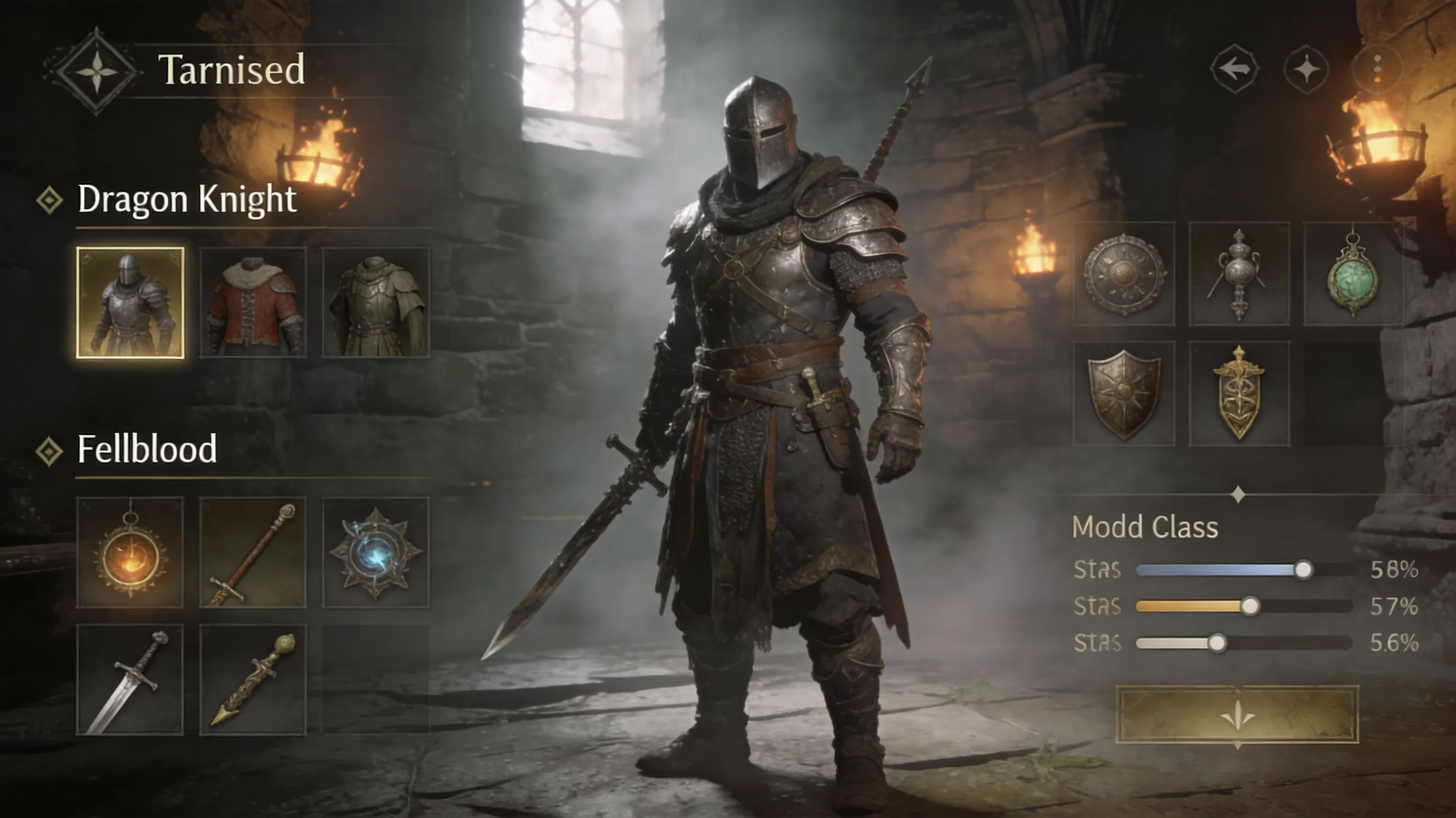
Once you're in-game, weapon behavior is the real giveaway. Unalloyed exists mainly to bring in Clever's moveset weapons, and these use custom animations and attack chains that vanilla just does not have. If you start a run and none of those weapons show up in starting gear, loot sources, or the adjusted item pool, then the Unalloyed layer probably never loaded.
You can also check for Reforged's combat changes. Enemy aggression feels different, loot behavior is altered, and stamina drain is rebalanced. Those are secondary signs, but they matter because Unalloyed depends on Reforged underneath it.
One more check that catches a lot of people: save separation. When you launch properly through Mod Engine 2, Unalloyed should use a separate save profile from your vanilla install. If the game immediately drops you onto an old unmodded Tarnished without pushing you toward a fresh character, there's a good chance Steam launched the normal executable and skipped the mod path entirely.
Elden Ring Unalloyed Installation Status Checklist
With this mod stack, the launch path is not optional. Mod Engine 2 has to be the loader, and you need to start the game through the ME2 batch file or executable. Steam should still be open in the background for authentication, but if you hit the Steam library's Play button, you will usually boot vanilla and nothing else.
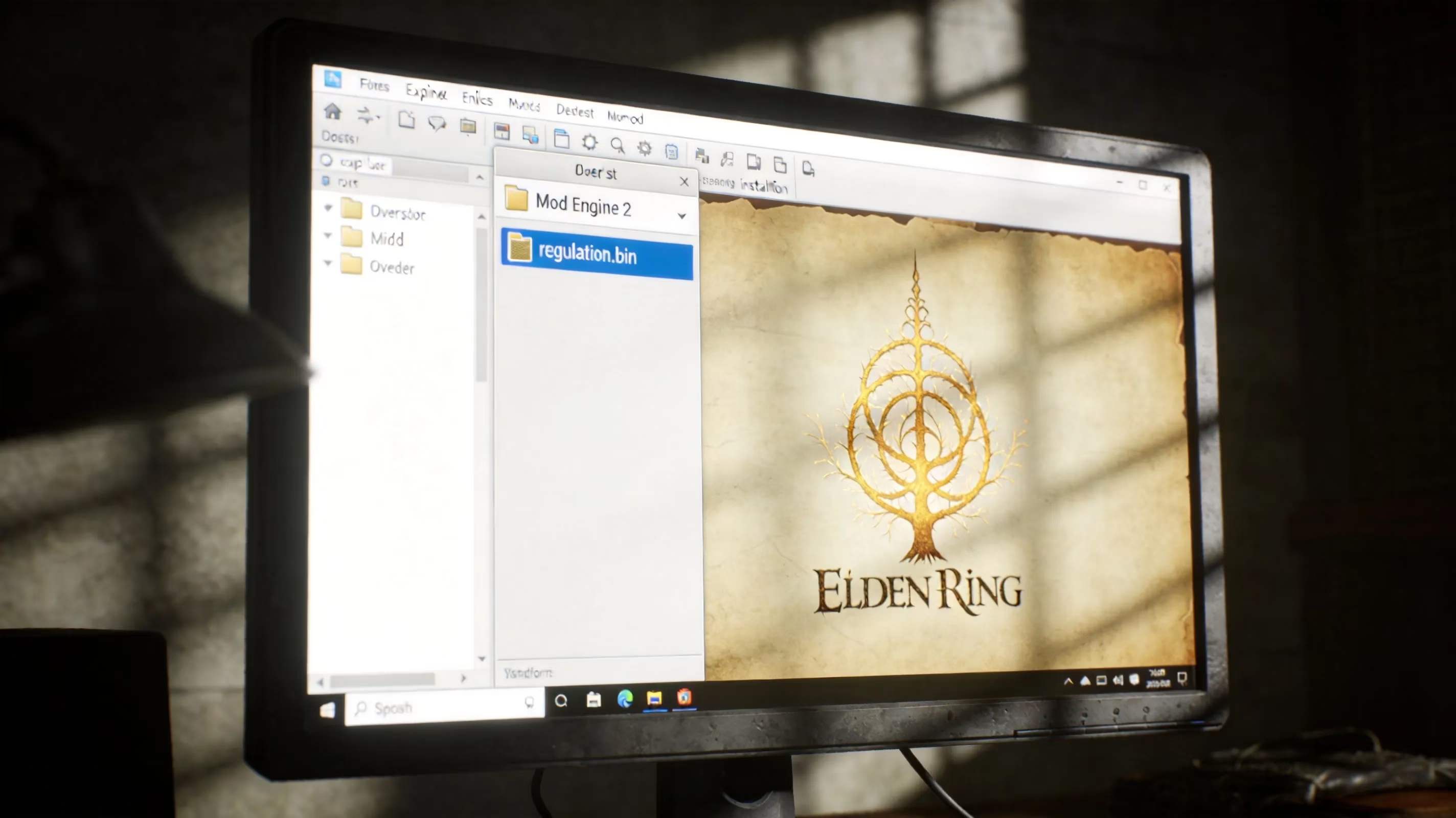
The most important file to verify is regulation.bin. That file controls item data, enemy parameters, and a huge chunk of the game's balance. Unalloyed includes its own regulation.bin that combines Reforged's overhaul changes with the added weapon content, so if your folder has duplicate copies from a messy install, only one will be read — and it may not be the right one.
Here's the version snapshot you should be checking against in 2026:
| Component | Required Version | Notes |
|---|---|---|
| Mod Engine 2 | Latest stable release | Must be used as primary launcher |
| Elden Ring Reforged | Version specified by Unalloyed readme | Older pinned build, not latest 1.2.7 |
| Elden Ring Unalloyed | Latest available build | Check mod page for patch compatibility |
| Base Game | Must match mod target patch | Verify via Steam file integrity |
This is where a lot of installs break. Reforged 1.2.7 being available does not mean Unalloyed supports it. Historically, Unalloyed has been built around a specific older Reforged snapshot, and if you pair it with a newer public Reforged version, you can end up with crashes, corrupted saves, or a game that launches but quietly fails to load the actual content.
Elden Ring Unalloyed Features That Confirm It Loaded
The most obvious proof is still Clever's moveset weapons. These are custom-animated armaments with weapon arts and attack strings that do not exist in vanilla Elden Ring. If a fresh character can access them right away, or if they start appearing in the right chest loot and merchant inventories, then Unalloyed is doing what it's supposed to do on top of Reforged.
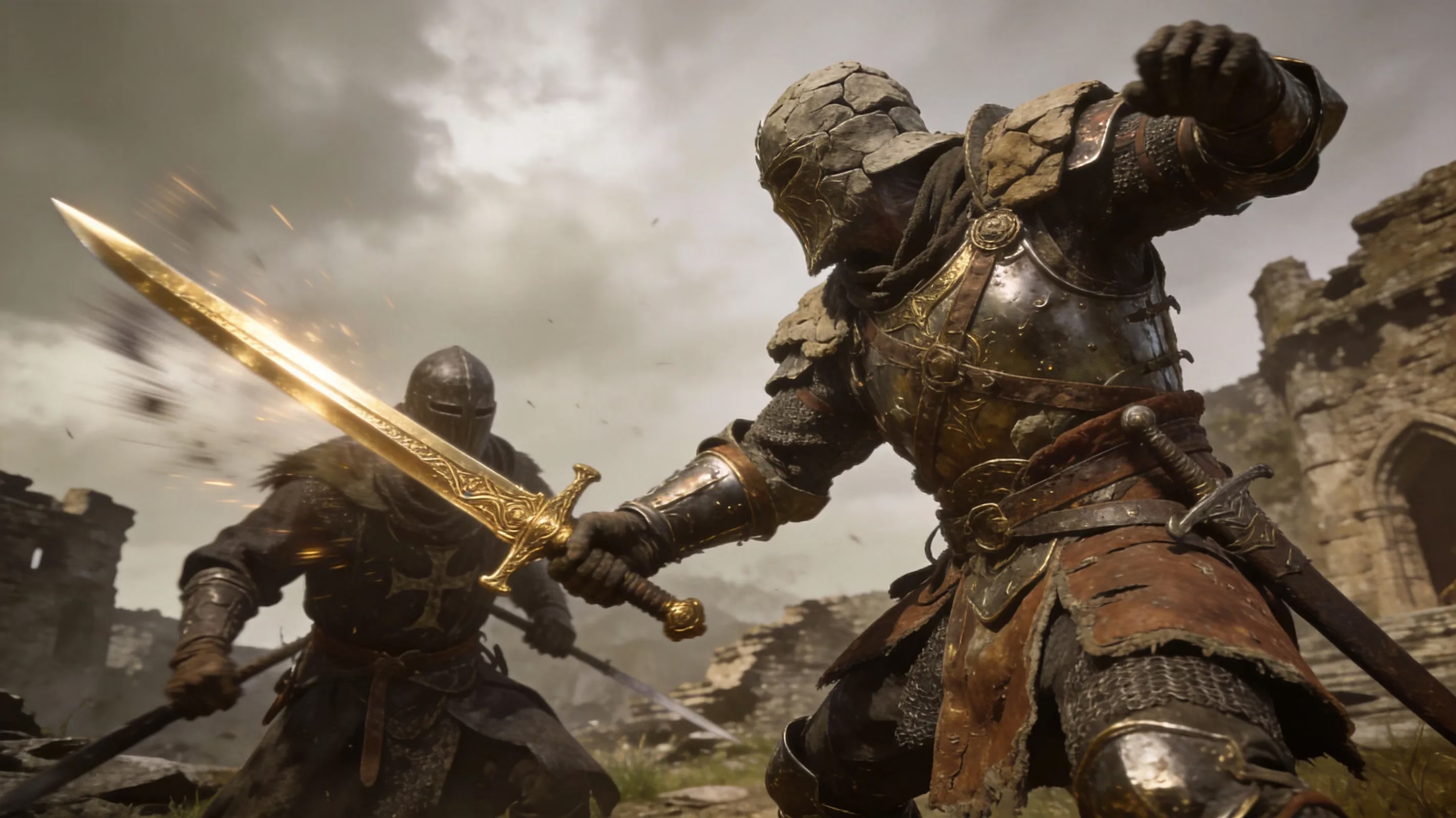
Reforged gives you a second layer of confirmation. Its reworked poise and stamina systems are noticeable almost immediately in early fights. Enemies take hits differently, hyper-armor feels more deliberate, and stamina management punishes reckless aggression harder than vanilla does. If combat feels exactly the way it always has, then Reforged did not load — and if Reforged did not load, Unalloyed didn't either.
A lot of players also ask about Seamless Co-op. Unalloyed does not automatically break it, but both mods need to be placed correctly in the ME2 directory structure, and neither setup can introduce duplicate regulation.bin entries. Reforged's UI changes help here too: adjusted status effect displays and altered equipment screen values are visible signs that the overhaul layer is active.
Elden Ring Unalloyed Not Working Troubleshooting
The most common mistake is also the easiest one to make: launching through Steam's Play button instead of the Mod Engine 2 launcher. The game will open normally, nothing will crash, and it will look completely fine — just fine in vanilla. That's why this issue wastes so much time. Every Unalloyed session needs to start from the ME2 batch file or shortcut.
The next big problem is version mismatch. If you use an older Unalloyed build with a newer base game patch, FromSoftware's changed data files can break the whole stack. Sometimes that means a startup crash. Sometimes it means the game loads and then behaves unpredictably later.
Save corruption symptoms usually point back to that mismatch. If a character loads in missing gear, stuck in a broken state, or the game stops writing progress correctly, the regulation.bin and the current executable are probably out of sync.
You also need to treat this as an offline-only setup. Elden Ring's anti-cheat will notice modded files if you launch while connected, and using Unalloyed online risks account restrictions. Before you do anything else, make sure offline mode is active.
PC Error Patterns
Infinite loading on startup usually means Mod Engine 2 found the mod folder, but the game executable cannot reconcile those files with the patch version you're running. A startup crash with no useful error window is often tied to a corrupted or badly formatted regulation.bin, and that commonly happens when Unalloyed gets extracted over a half-finished Reforged install without cleaning the folder first. If the game launches but none of the mod content is there — no Clever weapons, no Reforged combat changes — the usual culprit is a bad ME2 mod path, so the game is reading the vanilla directory instead of the mod folder.
Mod Conflict Sources
The best-documented conflict is still the Reforged version mismatch. Unalloyed expects a specific older Reforged snapshot, and if you install the latest public Reforged build with it, the regulation.bin files become incompatible. At that point they either overwrite each other or the game rejects the setup entirely.
Duplicate regulation.bin files from multiple mods cause a similar mess. Only one can sit in the mod folder and actually be used, and whichever one gets written last wins silently. That's part of why failed installs can be so confusing.
Old saves are another known problem. Characters created on one regulation.bin version can carry item data or stat values that do not line up with another version's parameter tables. When that happens, the save may load incorrectly or corrupt outright.
Elden Ring Unalloyed Working Setup for 2026
If you want the highest chance of getting this right on the first try, keep the install order clean:
-
Verify the base game files through Steam.
-
Install the exact Reforged version listed in Unalloyed's current documentation.
-
Install Unalloyed on top of that.
-
Make sure Unalloyed's regulation.bin overwrites the Reforged one in the mod directory.
-
Configure Mod Engine 2 last and point its mod path to the final merged folder.
Also, start a fresh character. Seriously. Starting a fresh character is strongly recommended for any new Unalloyed run, because bringing over a vanilla save or a save from another Reforged version can create parameter mismatches that do not show up immediately. You might get a few hours in before progression starts breaking.
The safer workflow is simple:
-
Back up every existing save to an external location before installing
-
Create a dedicated save slot for the modded playthrough
-
Avoid swapping that character between different Reforged or Unalloyed versions
For updates, be disciplined. Check the Unalloyed mod page, confirm whether the referenced Reforged version changed, update both parts together if needed, and then verify the regulation.bin in the mod directory before launching. Updating only one piece of the stack is one of the fastest ways to recreate the exact conflicts you were trying to avoid.
Elden Ring Unalloyed FAQ
Does Unalloyed need Steam running? Yes. You should launch through Mod Engine 2, not through Steam's Play button, but Steam still has to be running in the background so the base game executable can authenticate. If the batch file seems to depend on Steam, that's expected on a legitimate install.
Can old saves work with Unalloyed? Usually not safely. Vanilla characters or saves from a different Reforged version can load with broken data or corrupt against Unalloyed's regulation.bin. A fresh character on a clean save slot is the safest move.
How to verify mod load: Launch through Mod Engine 2, start a new game, and check for Clever's moveset weapons plus Reforged's altered stamina and poise behavior within the first few minutes. If combat and item pools feel identical to vanilla, the mod did not load.
Best alternative overhauls: If you want a similarly deep overhaul without such strict version pinning, standalone Elden Ring Reforged on its current build and The Convergence are the main alternatives. Garden of Eyes is another option if you care more about flashy movesets and faster combat pacing than broader systemic rebalancing.
Conclusion
In practice, telling whether Elden Ring Unalloyed is working comes down to three checks: did you launch through Mod Engine 2, is the correct regulation.bin in place, and can you actually see Clever's weapons plus Reforged's combat changes in-game. If even one of those is missing, the stack did not load the way it should have. Your best next step is usually not a tiny tweak — it's wiping the mod directory, checking the version requirements in the Unalloyed documentation again, and rebuilding the install in the right order. With stacked overhaul mods like this, version discipline matters more than anything else. Happy modding, Tarnished.